
Once the access request is granted, the requesting user can view the decrypted result in the Search Results.
To view the results with decrypted value, click the Search icon from the Actions column, on the My Request Page under Settings >> Configuration >> Data Privacy Module.
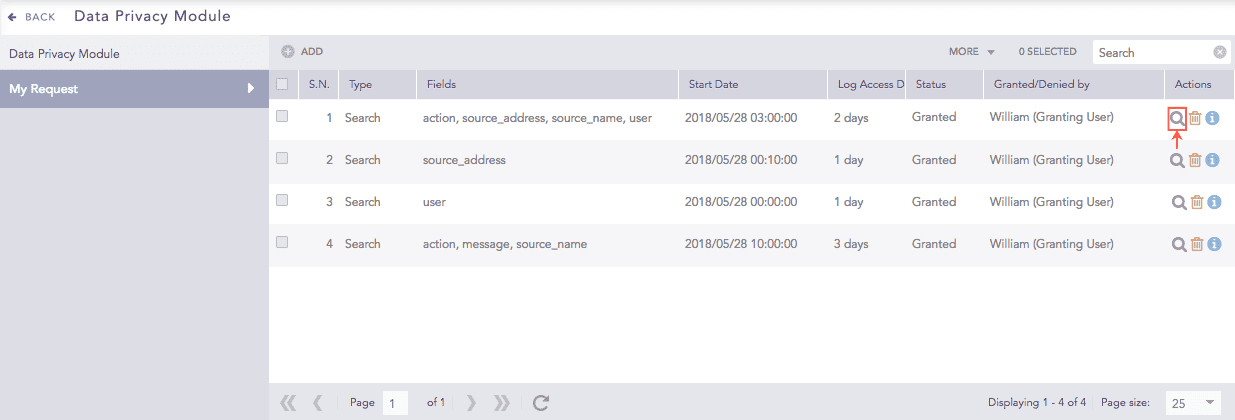
Data privacy Module - Search Icon
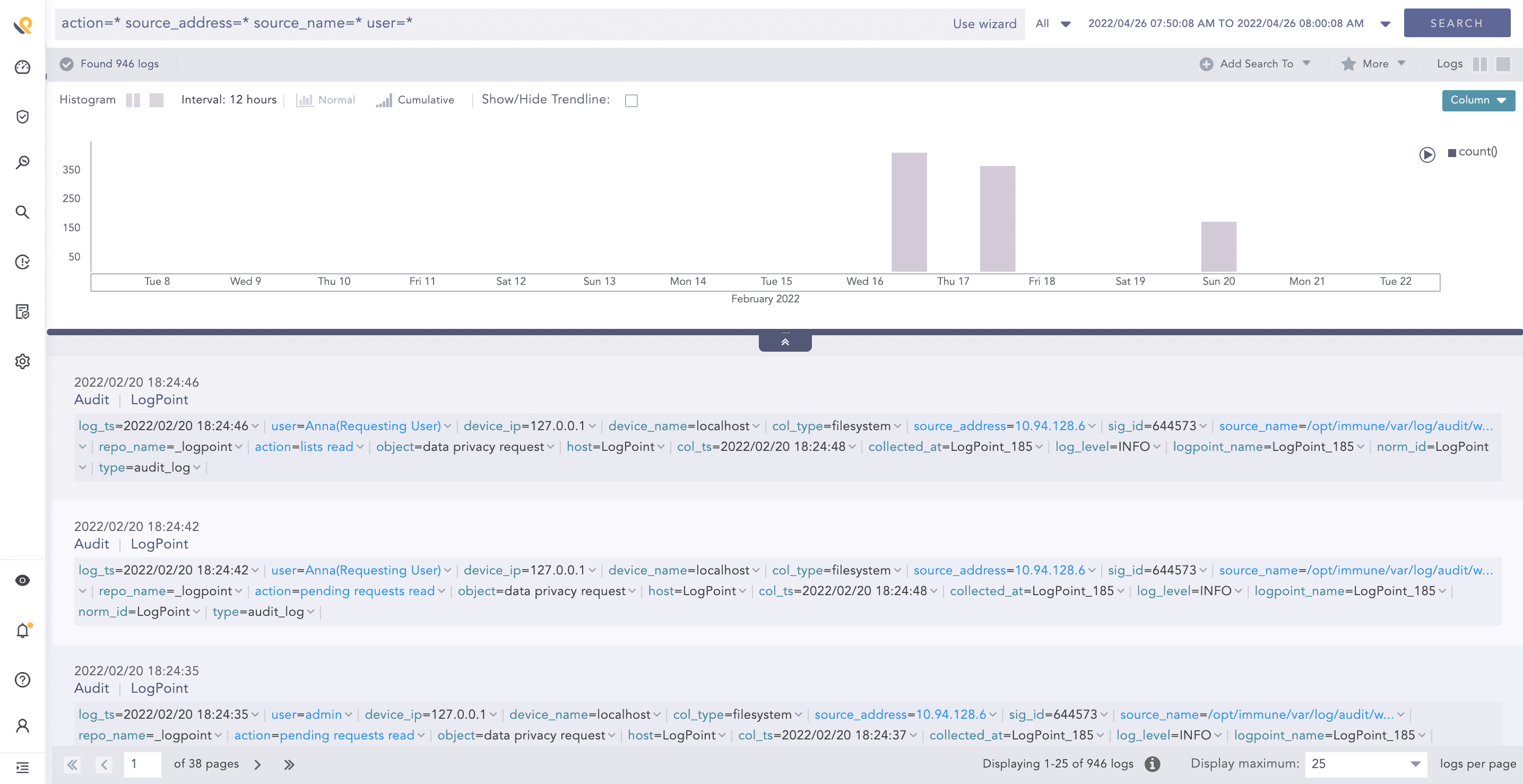
Data Privacy Module - Search Results
Note
You can only view the Search results with the decrypted data while performing the Search operation from this page. If you perform the search operation from the Search panel, you receive the encrypted data even after your request has been accepted.